New: Galerly for iOS
Your whole photography business. In your pocket.
Galleries, quotes, contracts and payments in one native app for iPhone, iPad and iPhone Duo. Free on the App Store.

Free for iPhone, iPad and iPhone Duo. Sign in with your Galerly account.
Why an app
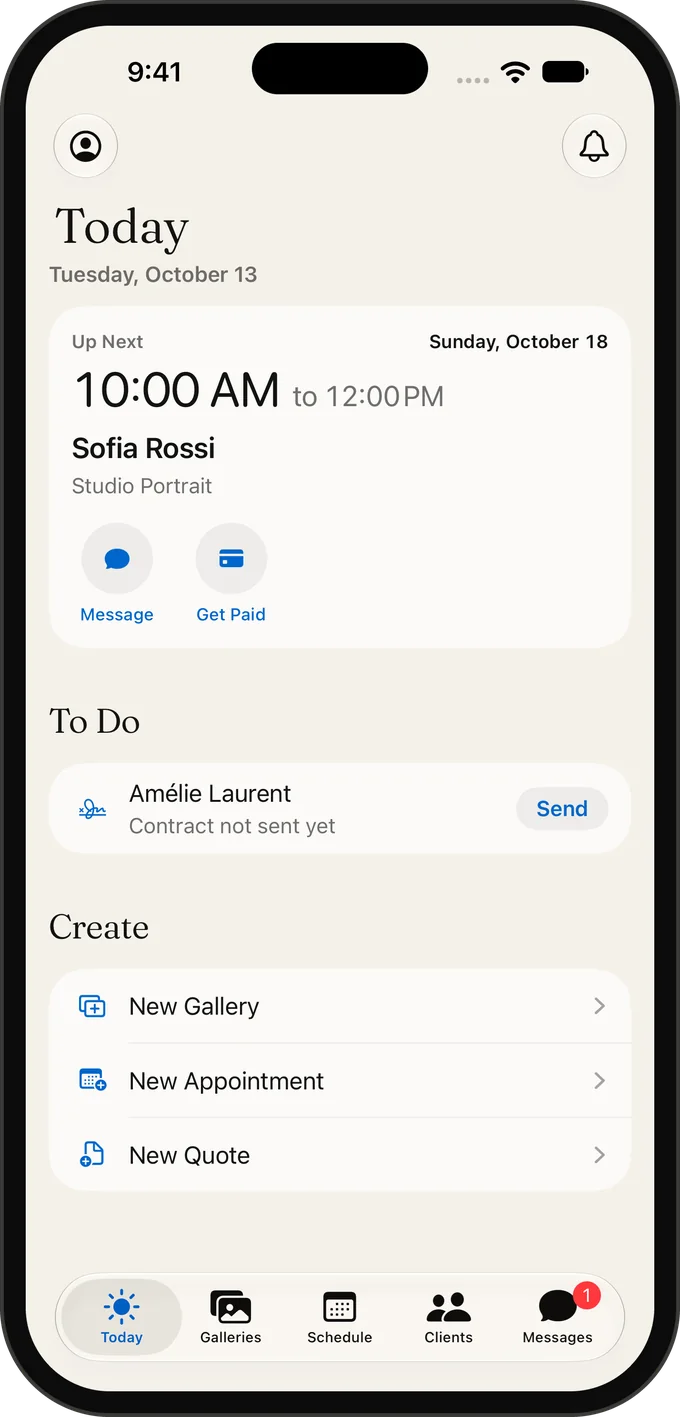
You shoot on location. Your business waits on a laptop at home. That gap costs you every week: the quote you meant to send, the contract still unsigned, the deposit nobody asked for. Galerly closes it. One native app runs the whole job, from the first message to the final payment, on the iPhone in your pocket, the iPad on your desk and the new iPhone Duo.
From first message to final payment.
01
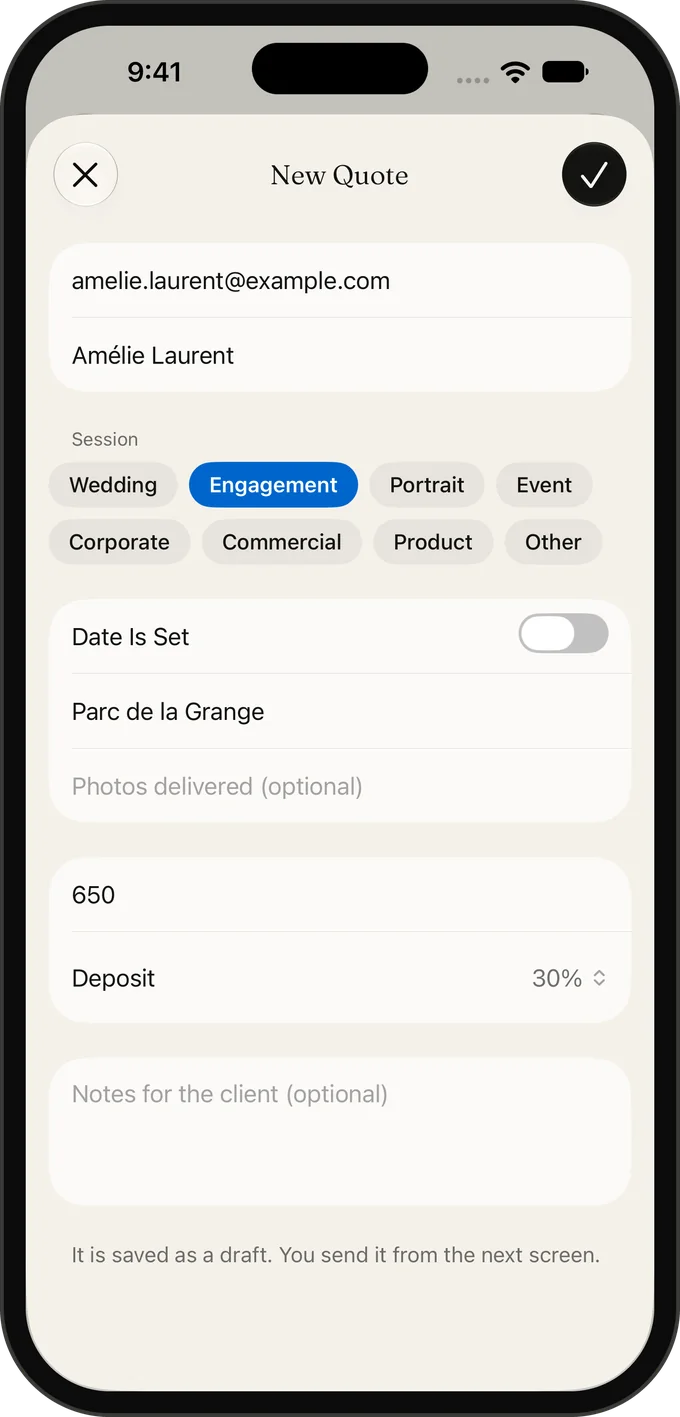
Quote
Send a quote between two shoots: session, place, price and deposit.
02
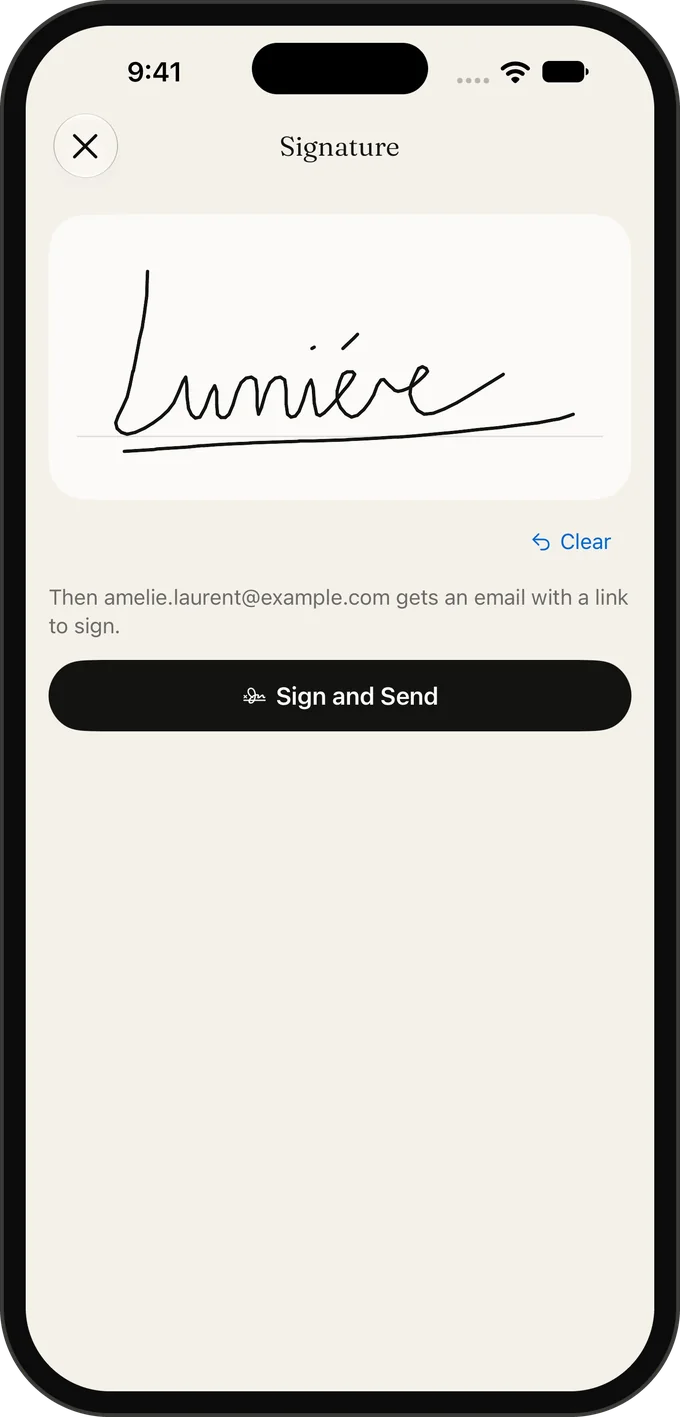
Contract
Sign the contract with your finger. Your client signs theirs from a link.
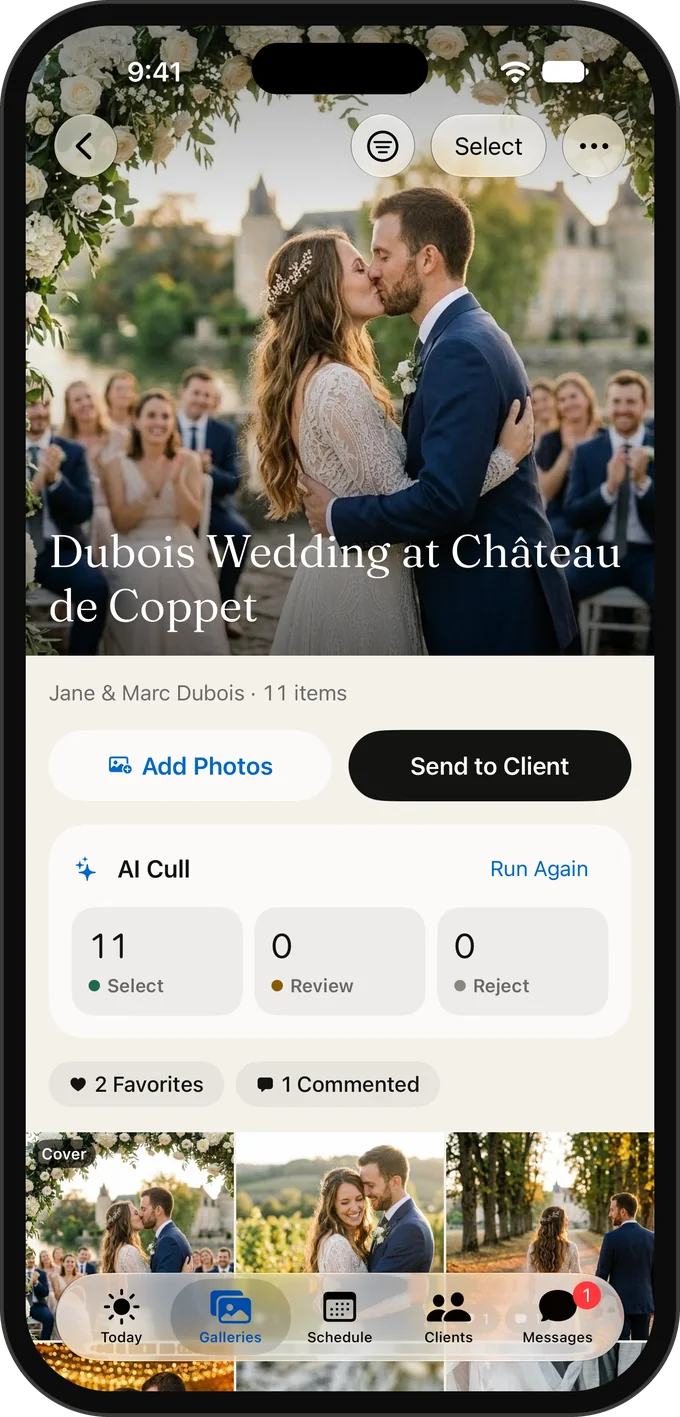
03
Gallery
Deliver a gallery in one tap, with a link or a QR code your client scans on the spot.
04
Paid
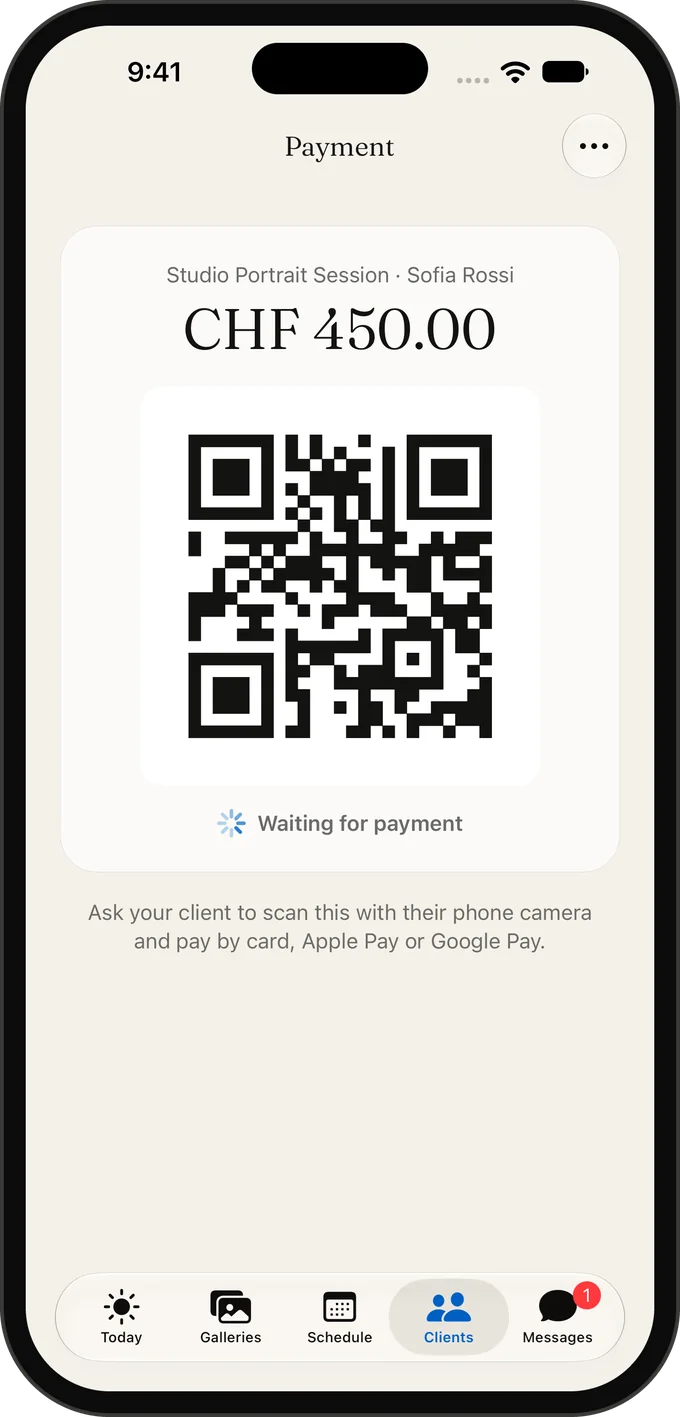
Get paid before you pack up: show a QR code and your client pays by card, Apple Pay or Google Pay.
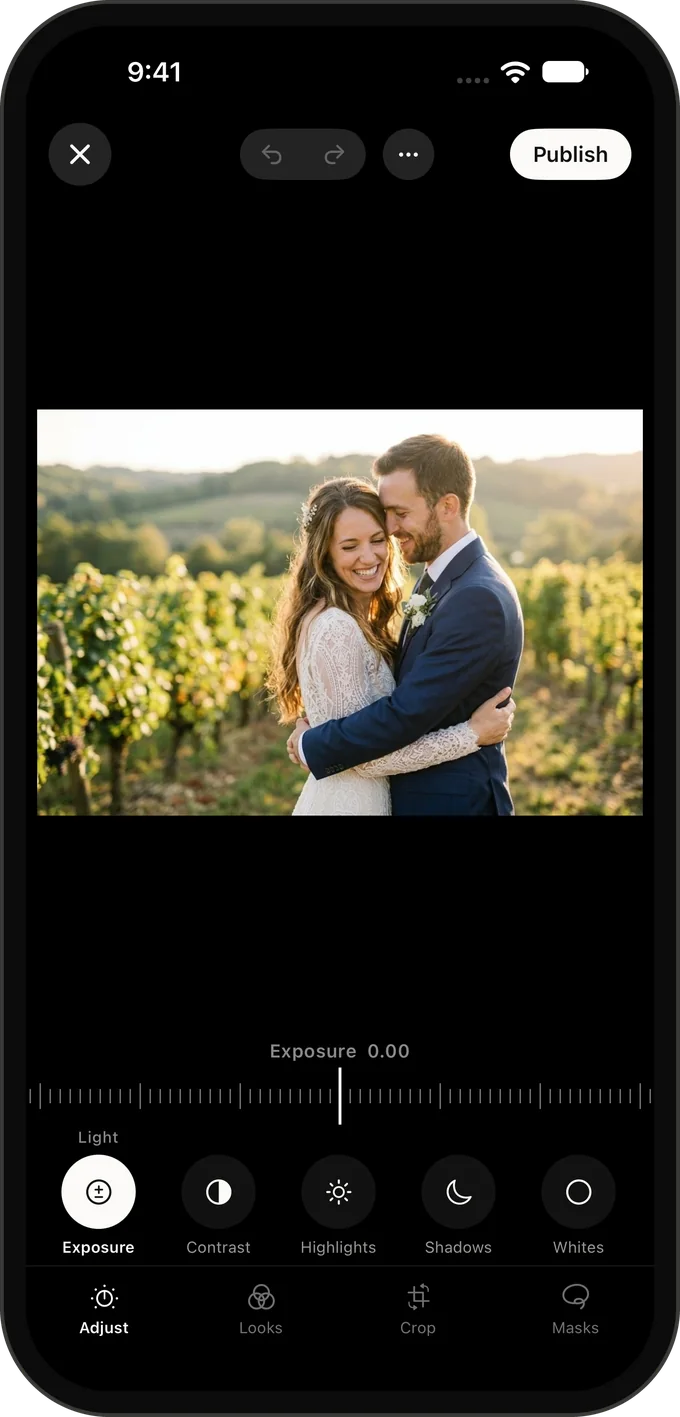
Edit on the spot.
On Pro and Business, edit light, color and detail without opening a laptop.
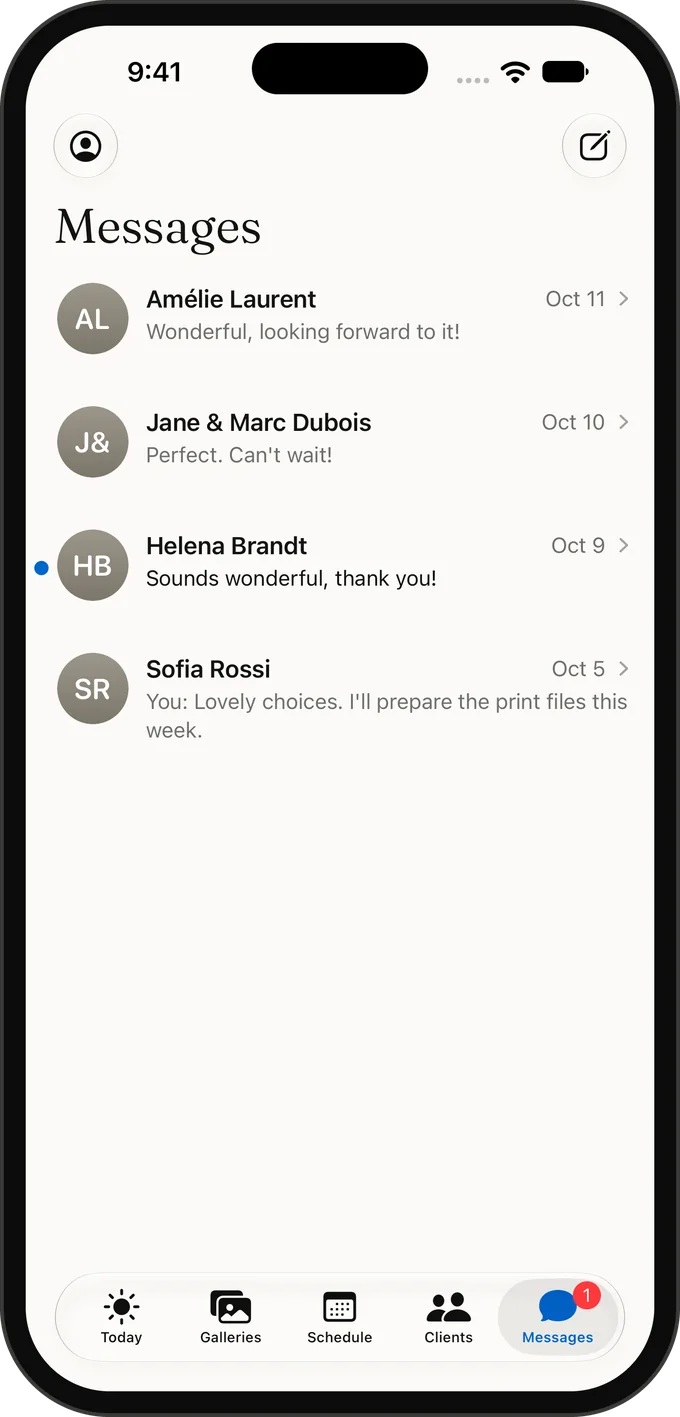
One inbox for every client.
Answer every client from one inbox, with photos and files.
One account, every screen
Galerly is built for each device you work on. On iPhone it fits in one hand. On iPad, lists and details sit side by side and the photo editor puts the picture first. On iPhone Duo it is your phone when folded and a two-pane studio desk when open. Everything stays in sync with galerly.com, so a quote started on the train is waiting at your desk.
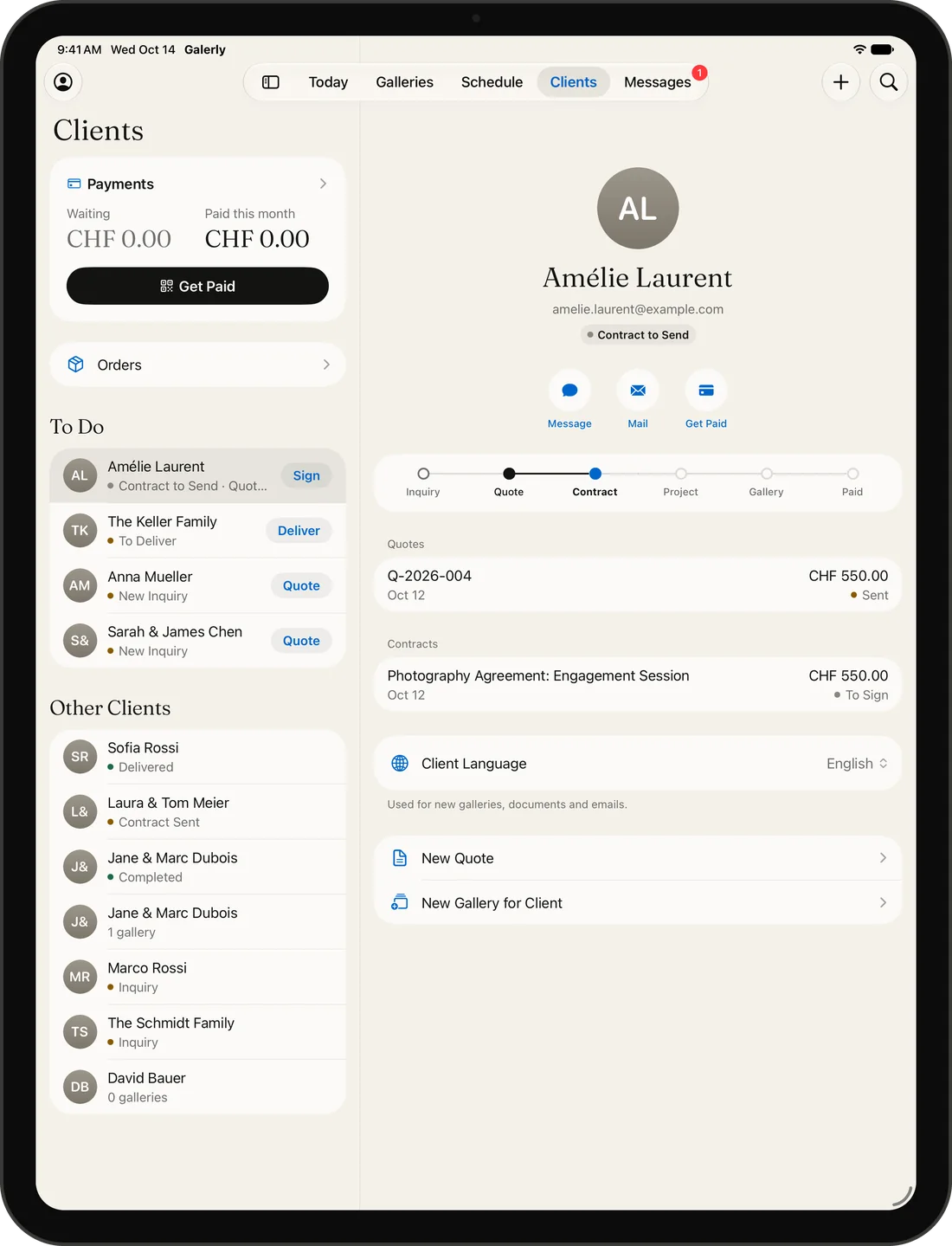
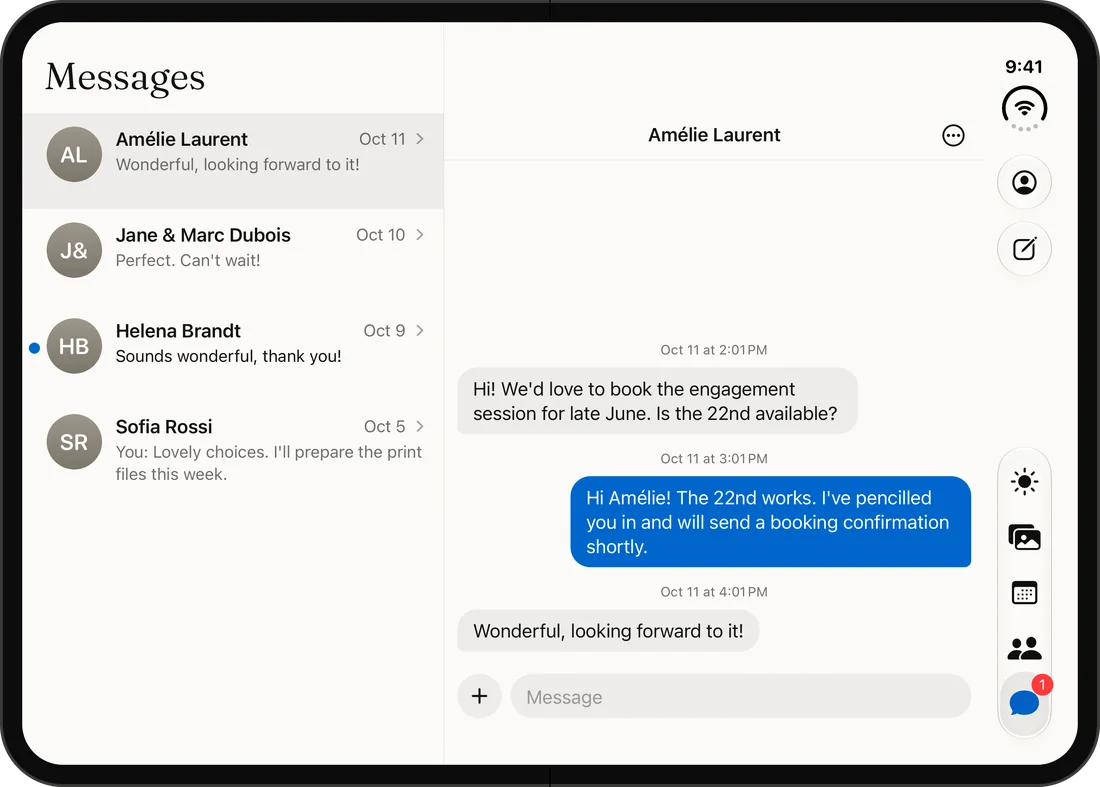
Your clients get the app too
Clients sign in to the same app. They see the galleries you shared, pick favorites, leave comments, request edits, sign contracts and pay invoices. Each action reaches your phone as it happens, so you answer while the moment is still warm.
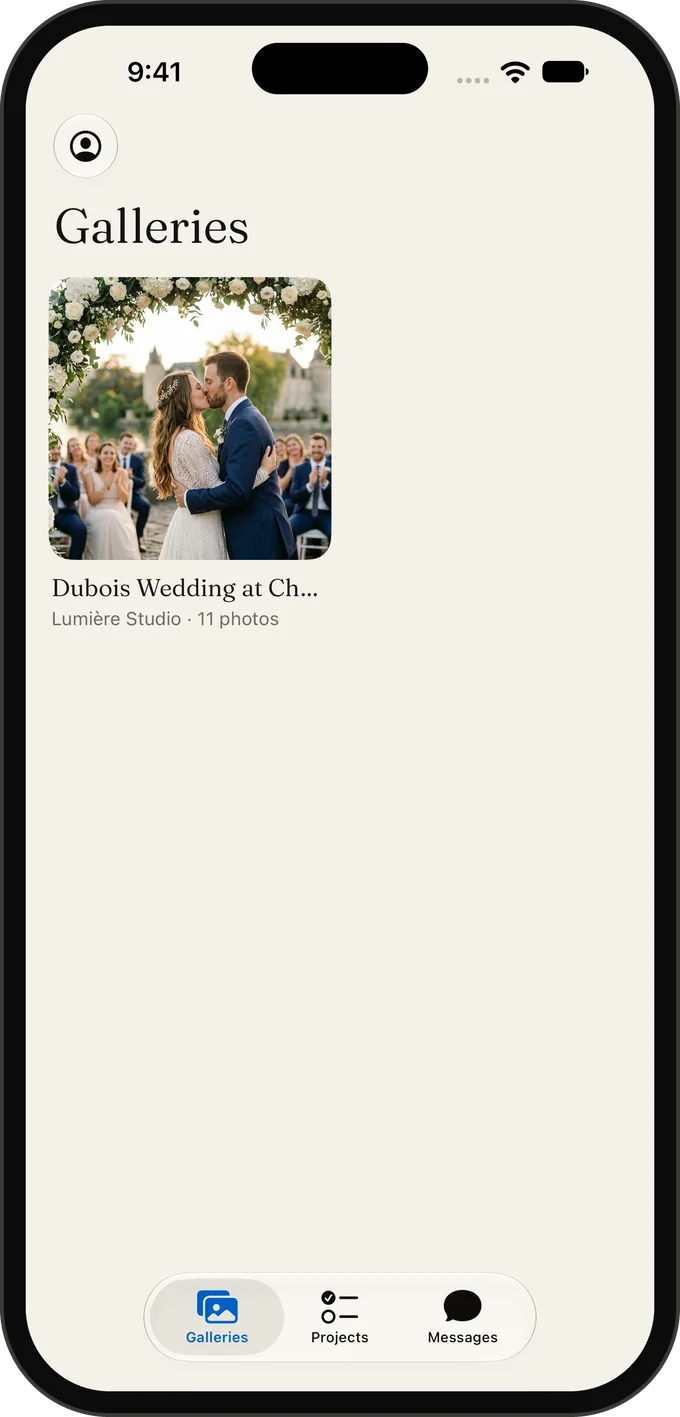
Made for Apple devices
A Home Screen widget with your next shoot.
Upload progress on the Lock Screen while your photos go up.
Spotlight search for your clients and galleries.
A Share extension to send photos to Galerly from any app.
Light and dark mode, in English, French, German and Italian.
Frequently asked questions
Where do I download the app?
On the App Store: search for Galerly, or use the button on this page. It installs on iPhone, iPad and iPhone Duo.
Is the app free?
Yes. The app is free and works with every Galerly plan, including the free one. There are no in-app purchases.
Which devices does it run on?
iPhone and iPad with iOS 16.4 or later, and iPhone Duo, folded or open.
Is there an Android app?
Not yet. On Android, galerly.com runs in your browser with a layout made for phones.
Related
Photography business app for iPhone and iPad
Run your photography business from your phone: quotes, contracts signed with a finger, galleries and payments in one native app for iPhone and iPad.
Invoice app for photographers: get paid on iPhone
Take payment at the shoot with a QR code, follow every invoice and get told the moment a client pays. The Galerly app for iPhone, iPad and iPhone Duo.
Client gallery app: deliver photos from your iPhone
Create a client gallery on your iPhone, upload from Photos or Files and share it by link or QR code. See favorites and comments as they arrive.
iPad app for photographers: the business side
Galerly on iPad and iPhone Duo: clients, messages and your day side by side, a photo-first editor, and galleries you show clients across the table.
Download Galerly
Galerly is on the App Store for iPhone, iPad and iPhone Duo. It is free, it works with your Galerly account and every plan, and there are no in-app purchases. Sign in and your galleries, clients and payments are already there.

Not on an iPhone? Everything also works in your browser. Start free