Invoice app
Get paid before you pack up the camera.
Take payment at the shoot with a QR code, follow every invoice and get told the moment a client pays. The Galerly app for iPhone, iPad and iPhone Duo.

Free for iPhone, iPad and iPhone Duo. Sign in with your Galerly account.
Why an app
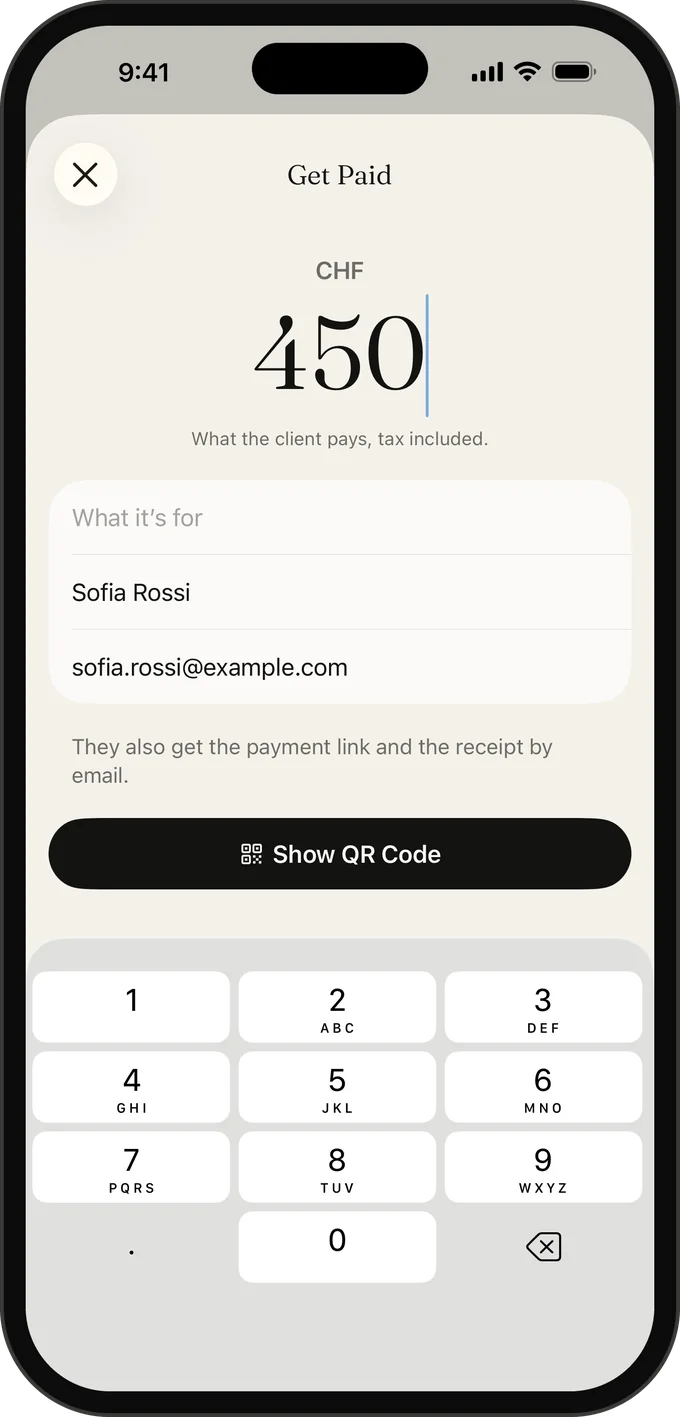
The best moment to get paid is the moment your client is happiest: right after the shoot, while they are still looking at the back of your camera. A week later it is an email they mean to answer. Galerly puts the payment in that first moment. Type an amount, show a QR code, and your client pays on their own phone before you have packed the last lens.
Paid at the shoot, in three taps
- Open Get Paid and type the amount.
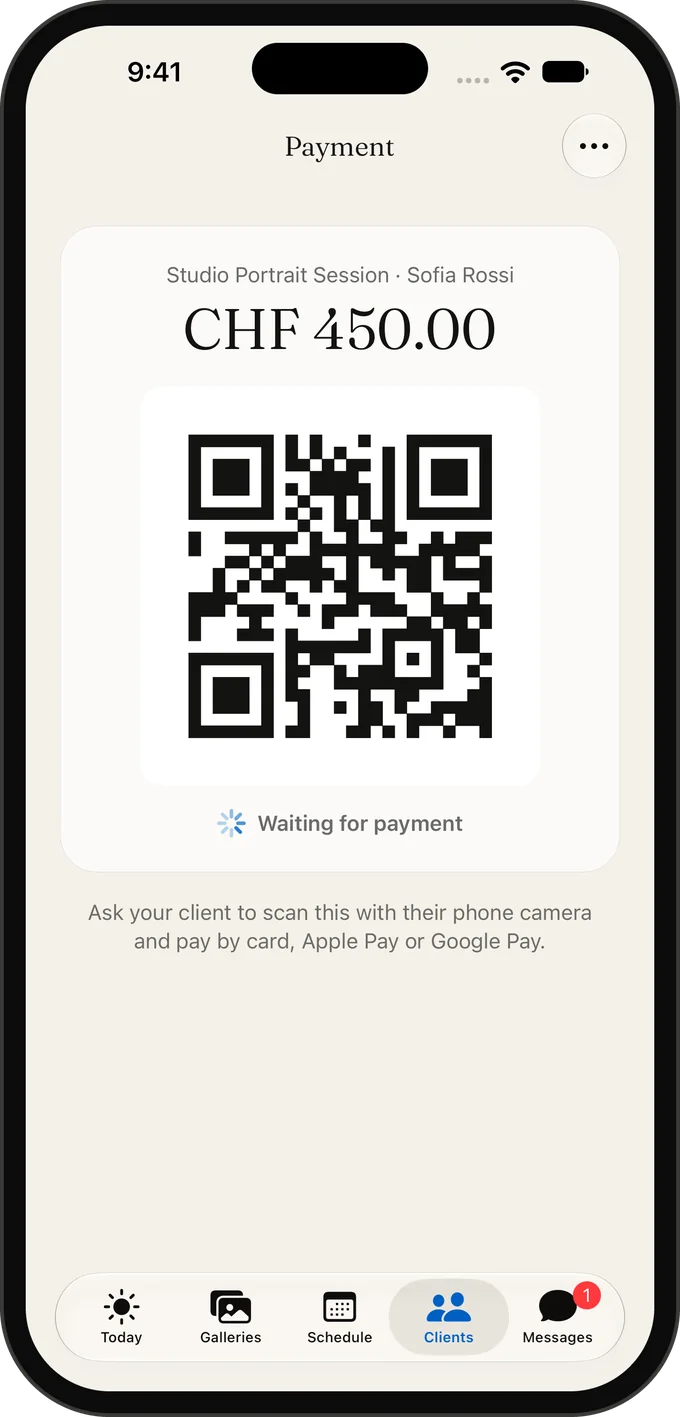
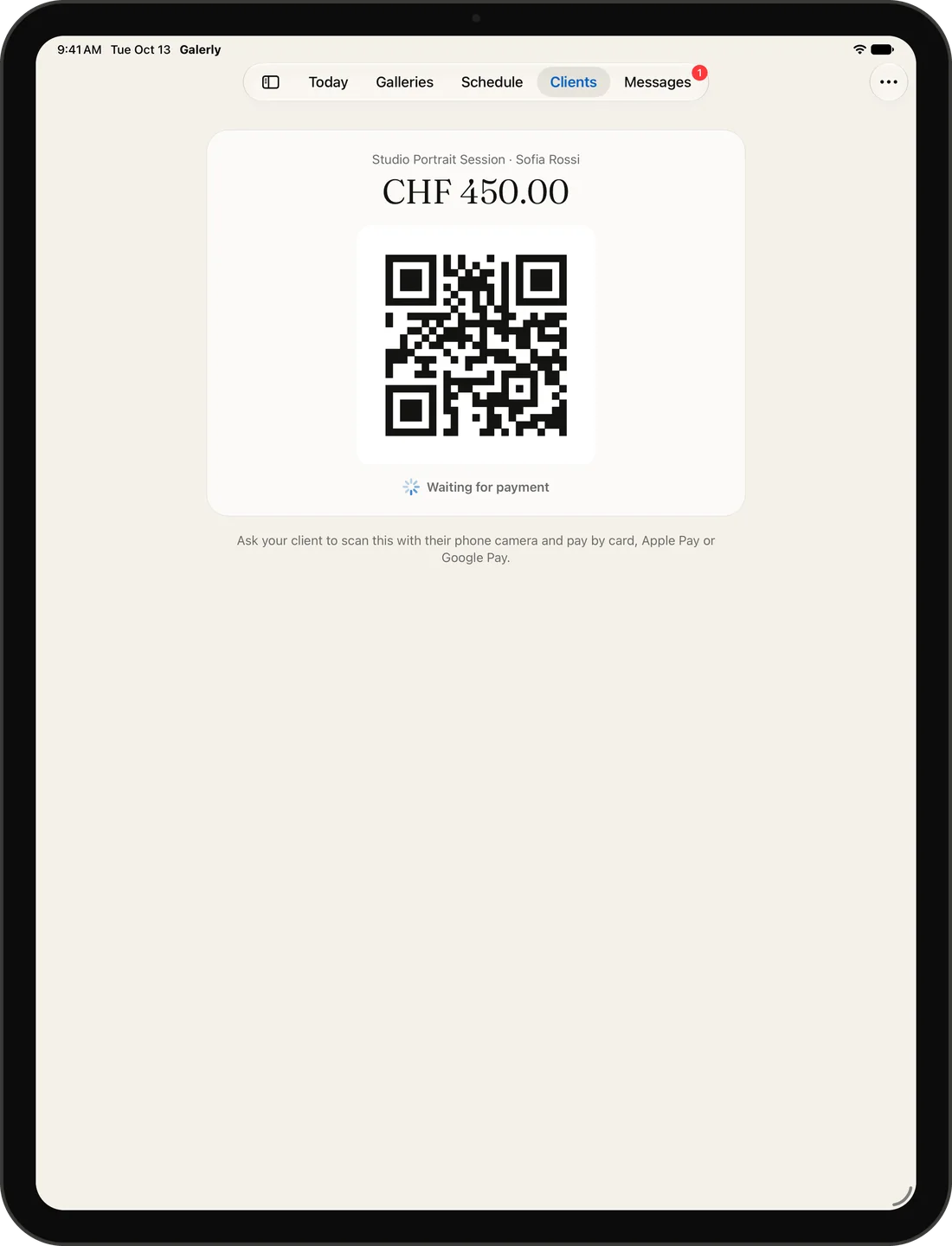
- Turn your phone around. Your client scans the QR code.
- They pay by card, Apple Pay or Google Pay, and you see “Paid” a few seconds later.
No card reader to carry and no terminal to charge. The payment goes straight into a Stripe account in your own name, so Galerly never holds your money, and the app records it as a paid invoice for your books.
Every invoice in your pocket
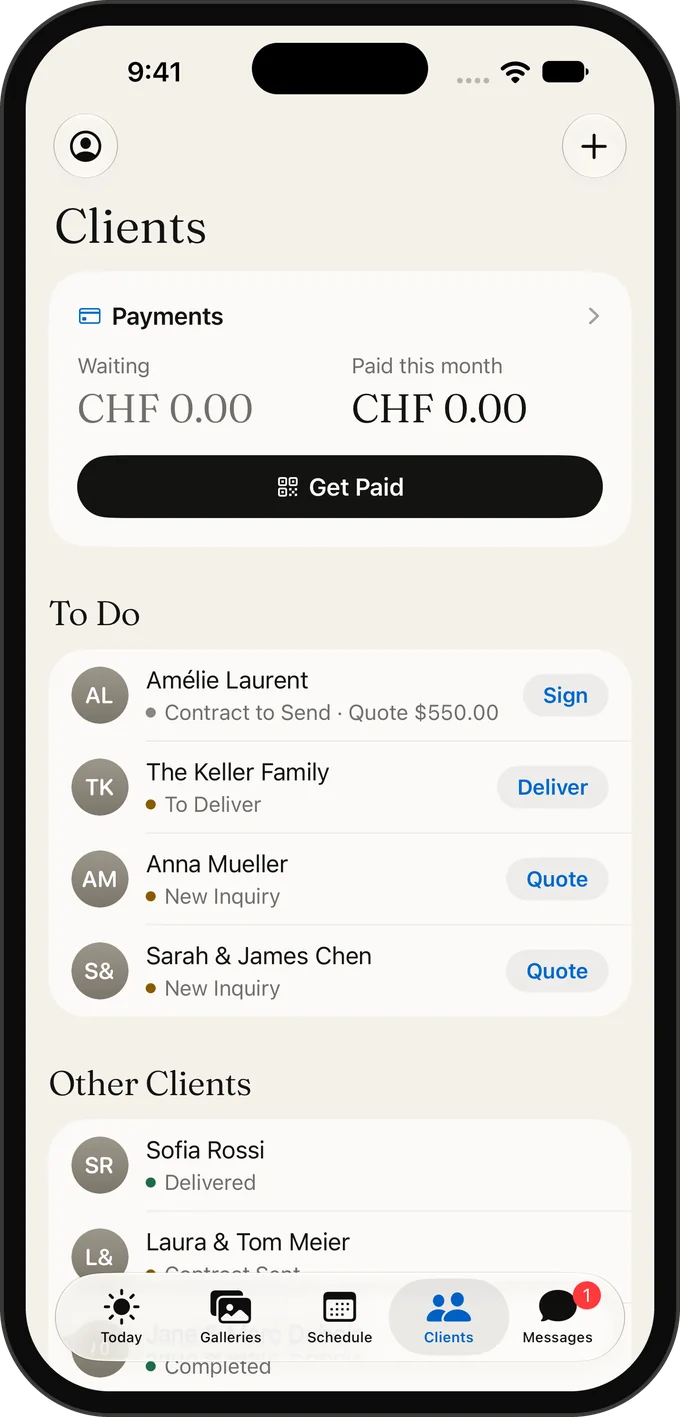
- See which invoices are paid, waiting or late, per client.
- Share the payment link of any invoice in a message.
- Get a notification the moment a client pays.
- Send quotes with a deposit, so the date is secured before the shoot.
Invoices in your client’s format
Detailed invoices with line items are built on galerly.com and follow the rules where your client lives. In Swiss francs they carry a Swiss QR-bill. For an EU business with a valid VAT number, reverse charge applies. You can bill in USD, EUR, GBP, CHF, CAD or AUD, and the client reads the invoice in their own language. All of it shows up in the app.
What it costs
Card payments run through your own Stripe account, which charges its usual processing fee. Galerly’s own payment fee depends on your plan and is listed on the pricing page. Bank transfers never carry a Galerly fee.
Frequently asked questions
Do I need a card reader to take payment at a shoot?
No. Your client scans a QR code on your screen and pays on their own phone by card, Apple Pay or Google Pay.
What do I need before I can take card payments?
A Stripe account in your name, which you open from Galerly’s payment settings in a few minutes. Without it, invoices are paid by bank transfer.
Can I create a full invoice with line items in the app?
The app takes payment on the spot and creates a one-line invoice for it. Invoices with several lines, discounts and taxes are built on galerly.com and then appear in the app. On Free it counts as one of your 5 invoices.
Related
Galerly app for iPhone, iPad and iPhone Duo
Galleries, quotes, contracts and payments in one native app for iPhone, iPad and iPhone Duo. Free on the App Store.
Online payments for photographers via Stripe
Invoices, deposits and orders paid by card, PayPal or bank transfer via a Stripe account in your name. Six currencies. 15% fee on Free, 0% on paid plans.
Invoicing software for photographers
Photography business app for iPhone and iPad
Run your photography business from your phone: quotes, contracts signed with a finger, galleries and payments in one native app for iPhone and iPad.
Download Galerly
Galerly is free on the App Store for iPhone, iPad and iPhone Duo. Sign in with your Galerly account and everything is already there.

Want detailed invoices today? Start free on galerly.com. Start free