Booking
Let clients book a session and pay the deposit without an email thread
Public booking page on your availability, packages with deposits paid via your own Stripe account, confirmation emails, iCal feed. On every Galerly plan.
Facts and prices checked on 2026-09-03.
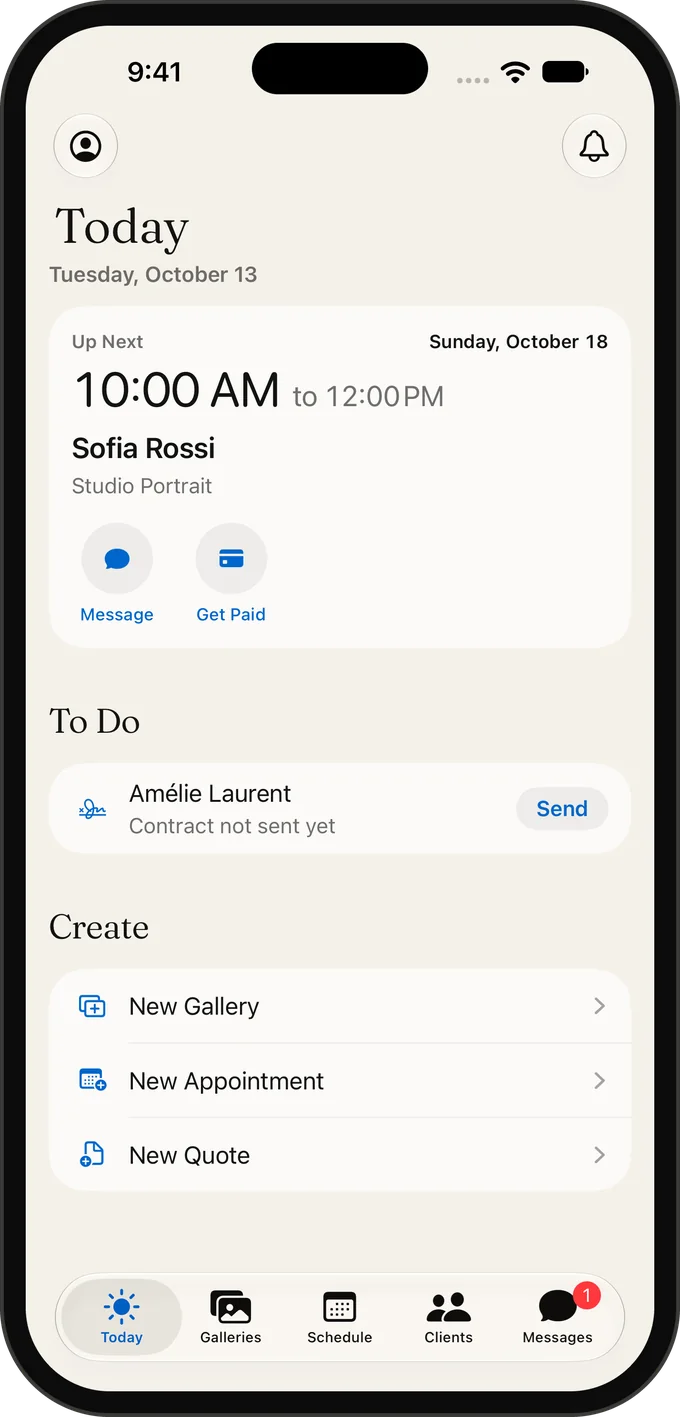
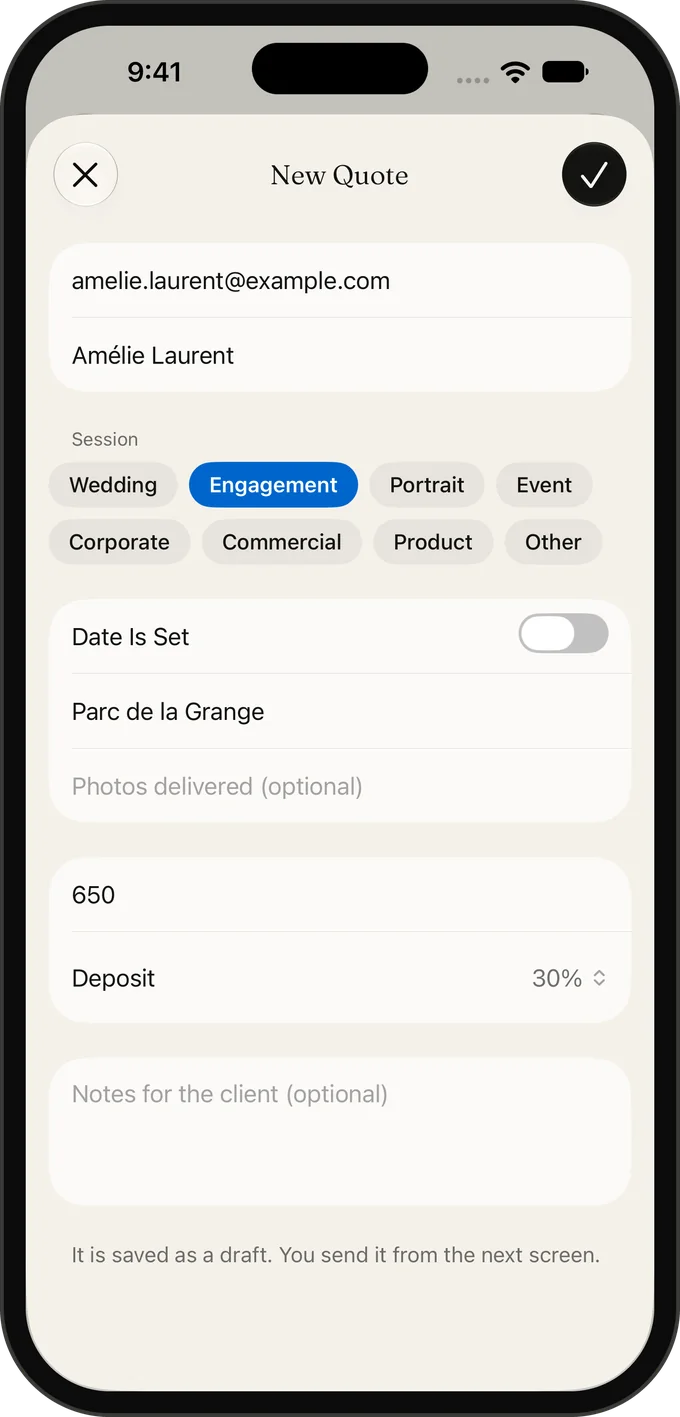
Most session bookings die in the back-and-forth: which dates, which package, how to pay the deposit. Galerly puts your availability, your packages and a deposit payment on one public page, and turns a confirmed booking into an appointment, a client record and, later, the gallery.
How a booking works
- You set your availability: working days and hours, slot length and the buffer between appointments.
- You publish packages from your service catalog: name, duration, price and the deposit you want up front.
- The client opens your booking page, picks a package and a slot, and pays the deposit by card or PayPal through your Stripe account, or chooses bank transfer.
- Both of you get a confirmation email; the appointment appears in your Galerly calendar and in your own calendar through the iCal feed.
- You confirm, decline, move or cancel from the appointment list. The balance is invoiced later, in the client’s currency and language.
Deposits go to your account, not ours
Online payments run through a Stripe Express account in your name; Galerly never holds the money. On the Free plan Galerly takes 15% of the deposit as a platform fee, on Starter and above 0%. Bank transfer carries no fee on any plan. Stripe’s own processing fee applies to card and PayPal payments, as it does with every platform.
Compare what the fee costs at your booking volume.
Payment fee calculatorPlans and limits
| Plan | Bookable services | Fee on Stripe deposits |
|---|---|---|
| Free | 3 | 15% |
| Starter, Pro, Business | Unlimited | 0% |
What it does not do
- No two-way Google or Outlook calendar sync. The iCal feed is read-only into your calendar; blocked dates are set in Galerly.
- No mini-session grids with dozens of ten-minute slots sold to different families; packages are one client per slot.
- No client questionnaires attached to the booking. Session details are collected in the welcome document generated from the contract.
Booking, then contract, then gallery
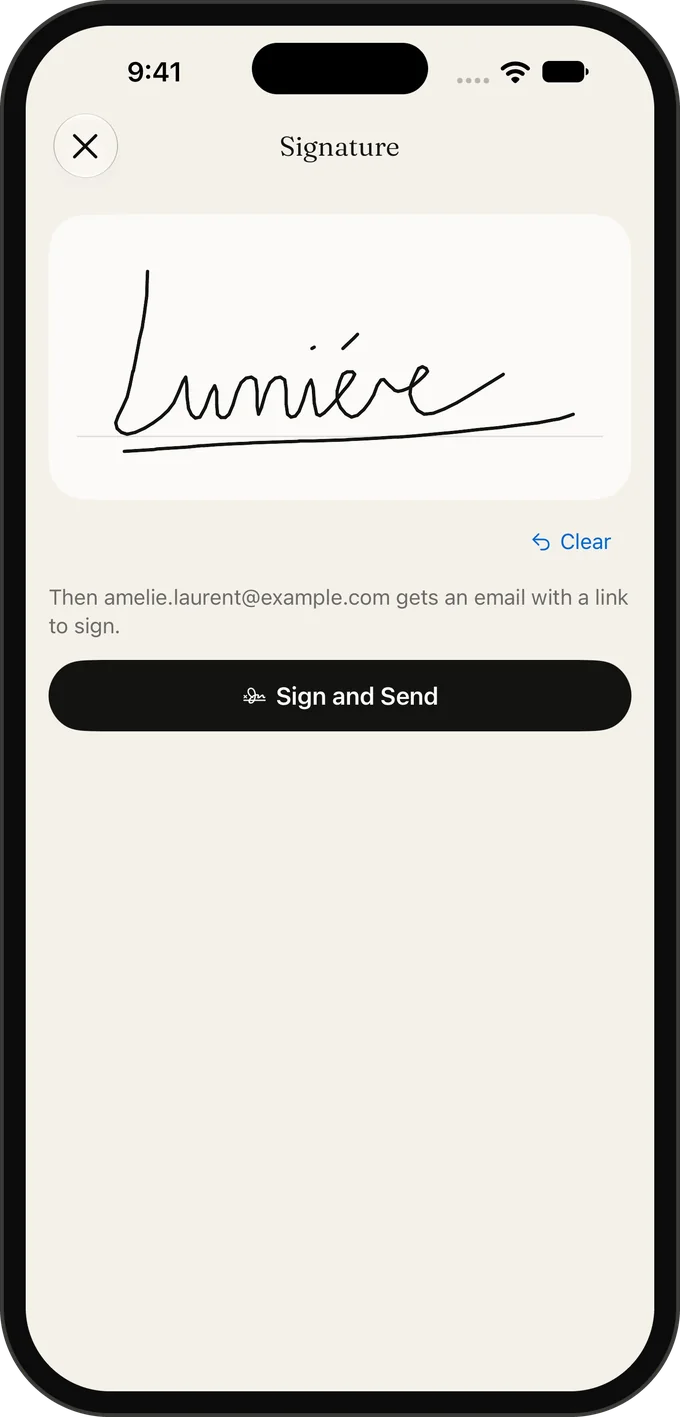
A booking is the start of the record, not the whole job. From the same client you send the quote and the contract for e-signature, the accepted quote can carry the deposit and the signature in one link, and the gallery you deliver later links back to the project. That chain is the reason to book inside the product that delivers.
Frequently asked questions
Is booking included on the Free plan?
Yes, with up to 3 bookable services. Paid plans have unlimited services.
Can clients pay the deposit by bank transfer?
Yes. Bank transfer is always available and never carries a Galerly fee. Card and PayPal need a connected Stripe account.
Which countries can connect Stripe?
Any country where Stripe Express accounts are available, 122 at the time of checking, including Switzerland, the EU, the UK, the US, Canada and Australia. Elsewhere, bookings work with bank transfer.
Does the booking page use my branding?
It lives on your portfolio domain, in the language you set per client, so the client sees your name and your packages, not a marketplace.
Related
Photography business software, all in one account
Galleries, AI culling, quotes, contracts, invoices with VAT, CRM and booking in one account. Free plan; paid plans from $9 a month with 0% payment fee.
Photography CRM with lead scoring and follow-ups
Photographer CRM: lead capture from your portfolio, 0-100 scoring, follow-up sequences, client records linked to quotes and galleries. Free to start.
Photography contract software with e-signatures
Quotes with a public accept link, e-signed contracts, one link to sign and pay the deposit, and a welcome document generated from the contract. 5 of each on Free.
Online payments for photographers via Stripe
Invoices, deposits and orders paid by card, PayPal or bank transfer via a Stripe account in your name. Six currencies. 15% fee on Free, 0% on paid plans.