iPad and iPhone Duo
Your iPad, turned into a studio desk.
Galerly on iPad and iPhone Duo: clients, messages and your day side by side, a photo-first editor, and galleries you show clients across the table.

Free for iPhone, iPad and iPhone Duo. Sign in with your Galerly account.
Why an app
Search for the best iPad apps for photographers and you get lists of editors. Useful, but editing is not what keeps you up at night. The quotes, the contracts, the client who wrote three times: that is the work an iPad should make lighter. Galerly turns the big screen into a studio desk, with the editor included.
Two panes, no back button
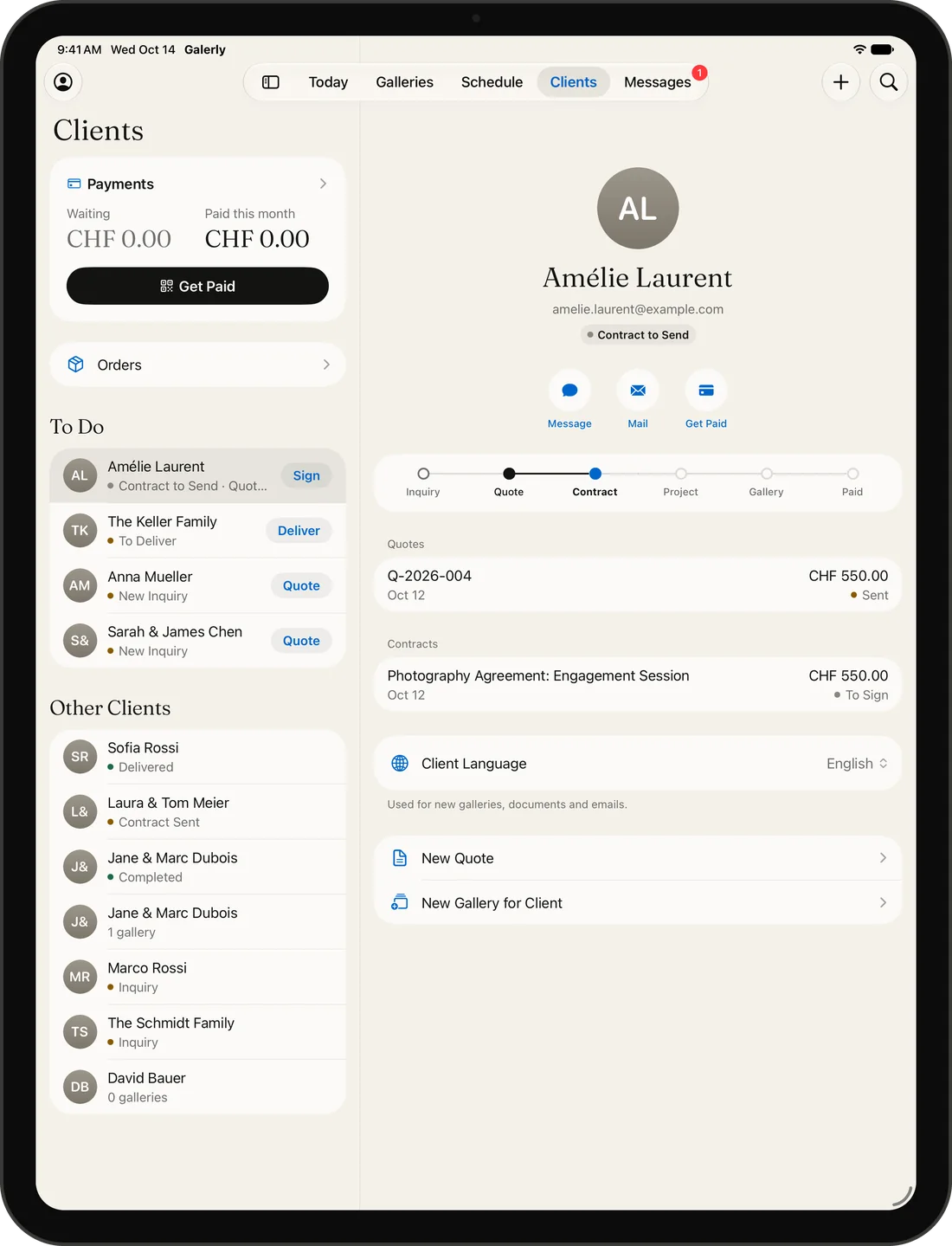
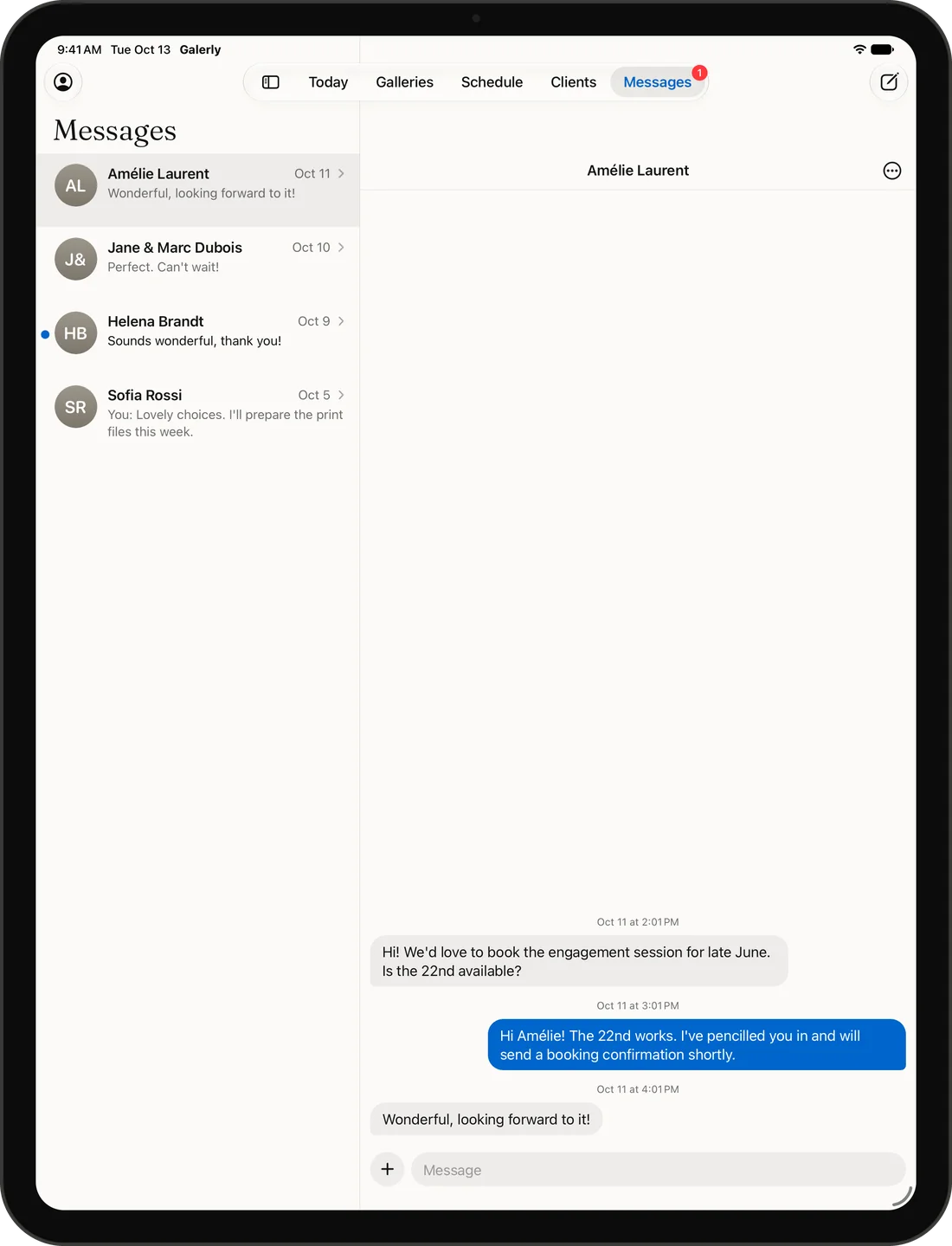
On iPad the list and the detail sit side by side. Pick a client on the left and their quotes, contracts, invoices and galleries fill the right. Messages works the same way, and Today spreads over two columns, so your next shoot and your to-do list are both in view.
An editor that puts the photo first
On Pro and Business, hold the iPad sideways and the photo takes the screen, with a slim column of controls beside it. Light, color, detail, looks, crop and masks are all there, so a last correction before delivery does not wait for the computer.

Across the table from your client
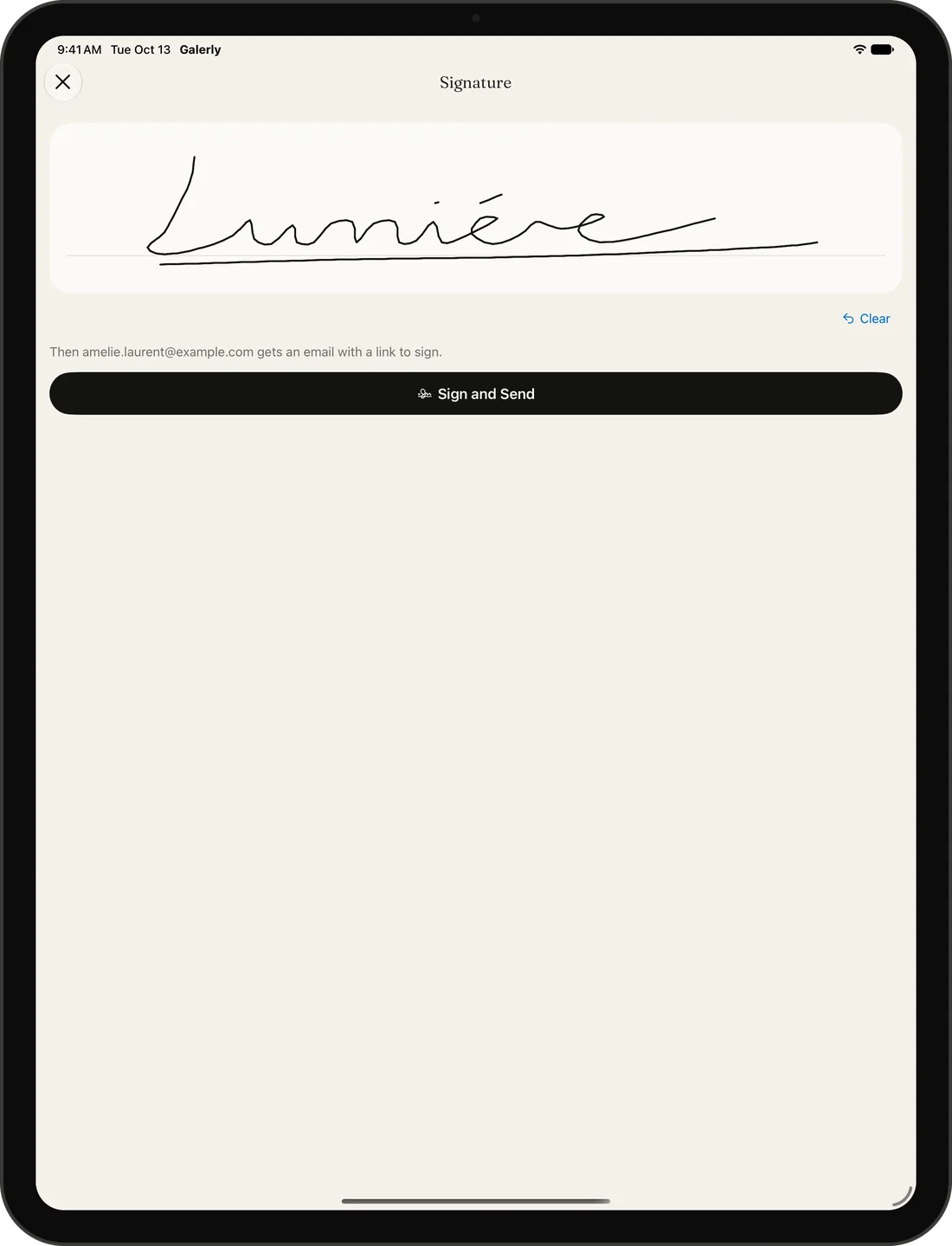
A consultation goes better with pictures. Open a past gallery on the big screen to show your style, walk your client through the quote, and send it before they reach their car.
And on iPhone Duo, both at once
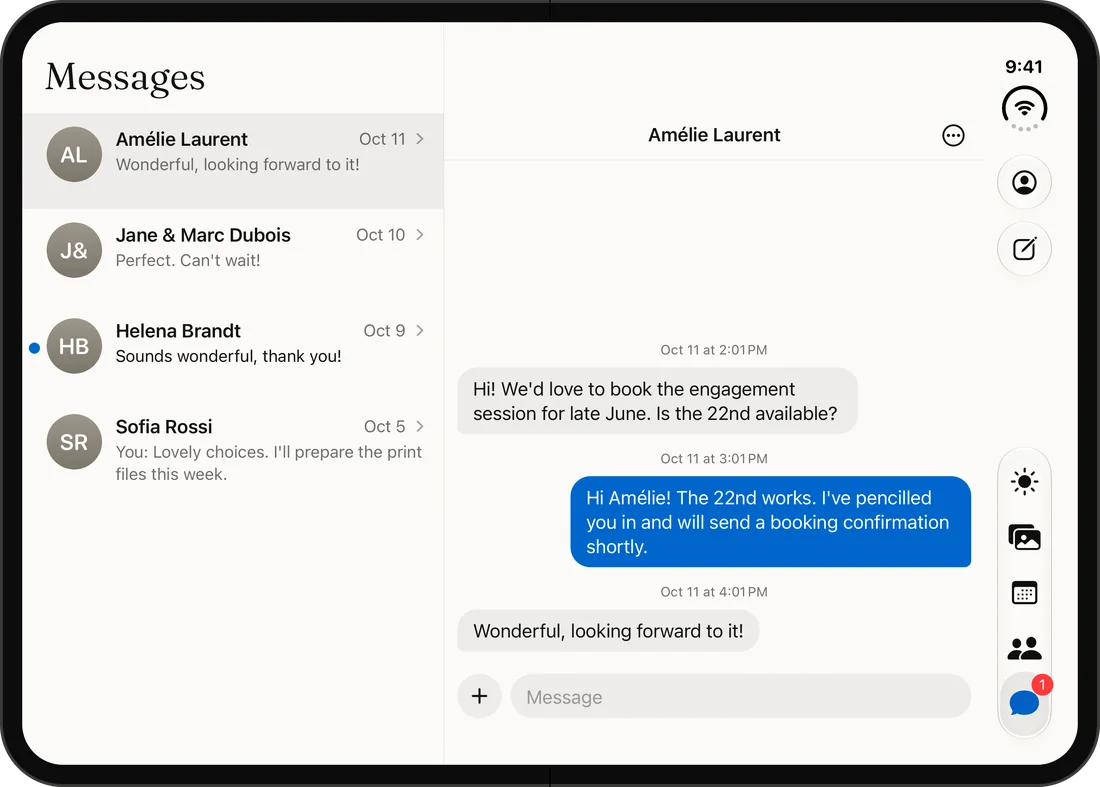
Folded, iPhone Duo is your phone at the shoot, with the layout you know from iPhone. Open it and Galerly switches to the iPad layout: lists and details side by side, conversations next to your threads. No setting to change, it simply follows the screen.
Frequently asked questions
Is Galerly a photo editing app?
It includes a photo editor on Pro and Business, but Galerly is built for the business side: galleries, clients, quotes, contracts, payments and messages. Many photographers keep their usual editor and send finished photos to Galerly with the Share button.
Does it work in portrait and landscape?
Yes. Galerly follows the size of the window, so it adapts to both orientations, to Split View and to iPhone Duo folding and unfolding.
Which iPads are supported?
Any iPad running iOS 16.4 or later.
Related
Galerly app for iPhone, iPad and iPhone Duo
Galleries, quotes, contracts and payments in one native app for iPhone, iPad and iPhone Duo. Free on the App Store.
Photography business app for iPhone and iPad
Run your photography business from your phone: quotes, contracts signed with a finger, galleries and payments in one native app for iPhone and iPad.
Client gallery app: deliver photos from your iPhone
Create a client gallery on your iPhone, upload from Photos or Files and share it by link or QR code. See favorites and comments as they arrive.
Download Galerly
Galerly is free on the App Store for iPhone, iPad and iPhone Duo. Sign in with your Galerly account and everything is already there.

Prefer the web for now? Everything works in your browser too. Start free